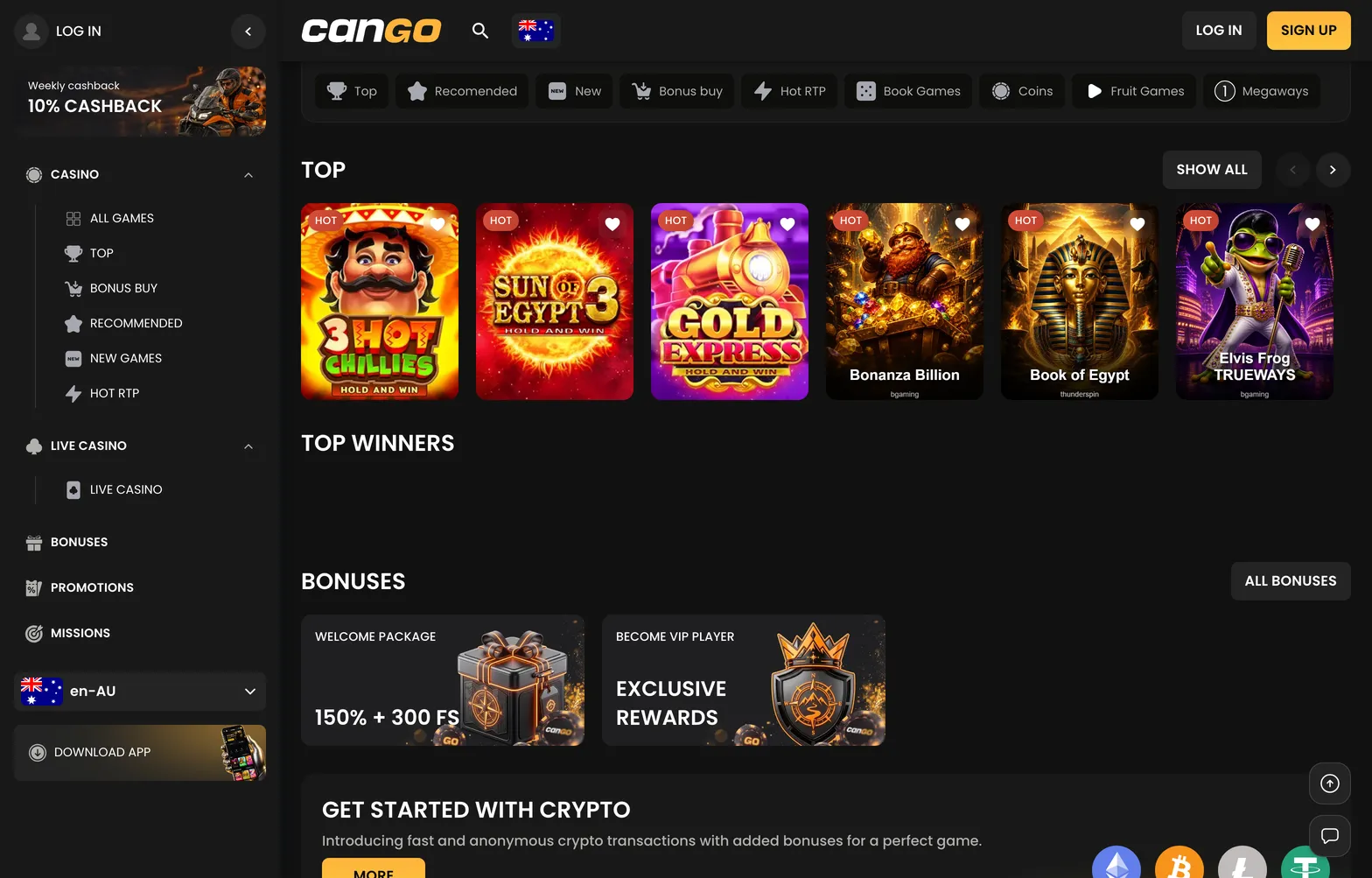

The cango login form opens your personal dashboard, where you manage balances, enter the cashier, and claim ongoing bonuses. Kiwi players enter the registered email address and an eight-character password, or use the connected Google sign-in button at the bottom of the window. Once inside your cango account, the hidden Missions tab, the complete promotions page, and the withdrawal request screen become available. Because there is no NZD in the cashier, all account balances and limits after you sign in are displayed in AUD or EUR, depending on the currency you selected when registering.
Cango casino login: login in brief
Returning players complete the cango casino login in under thirty seconds when credentials are saved or typed accurately. The sign-in button sits in the top right corner of the lobby on both desktop and mobile screens. Tapping it brings up a compact overlay with two input fields, a password recovery link, and the social authentication option. Below is the exact sequence of actions required to enter your profile, move to the cashier, and avoid the most frequent entry blocks.
| Step | What to press | Common mistake |
|---|---|---|
| 1. Open the form | Log In button in the top right header | Pressing Sign Up and creating a banned duplicate profile |
| 2. Enter email | Email field in the overlay | Typing a secondary email not linked to the cango account |
| 3. Enter password | Password box (minimum 8 characters) | Leaving Caps Lock on or adding a trailing space on mobile |
| 4. Alternative entry | Google icon below the main button | Using a different Google profile than the one used at sign-up |
| 5. Forgotten credentials | Forgot Password link under the input box | Requesting multiple reset links and clicking an expired one |
| 6. Open banking | Deposit button or Cashier tab in the menu | Leaving a VPN active, which blocks access and violates rules |
If the system rejects your details during a cango sign in attempt, do not keep guessing more than three or four times in a row. Repeated failed attempts trigger a temporary security cooldown that locks the form for about fifteen minutes. Instead, click the password reset link immediately. The recovery message typically arrives in your inbox within two minutes, though you should check the spam or promotions folder if it does not appear. If your profile is locked due to a verification hold or a forgotten email address, open the 24/7 live chat widget in the corner of the screen, where a support agent usually replies in about two minutes to restore access.